Create your campaign
Choose what information you need to collect and tailor the reporting experience to your organisation, audience and locations.
imabi Live Reporting
Connect people in shared spaces with the teams who manage them—for compliments, feedback, assistance, service requests and incident response.
Anyone can scan and respond in seconds. Every message reaches the right team instantly, with its location and relevant context included.
AI helps teams understand and route each response, while live maps and analytics reveal service strengths, recurring needs and emerging issues.
No app. No login. Live in minutes.
Complete campaign toolkit
imabi provides a complete self-service platform for creating, promoting, receiving and managing live reporting campaigns.
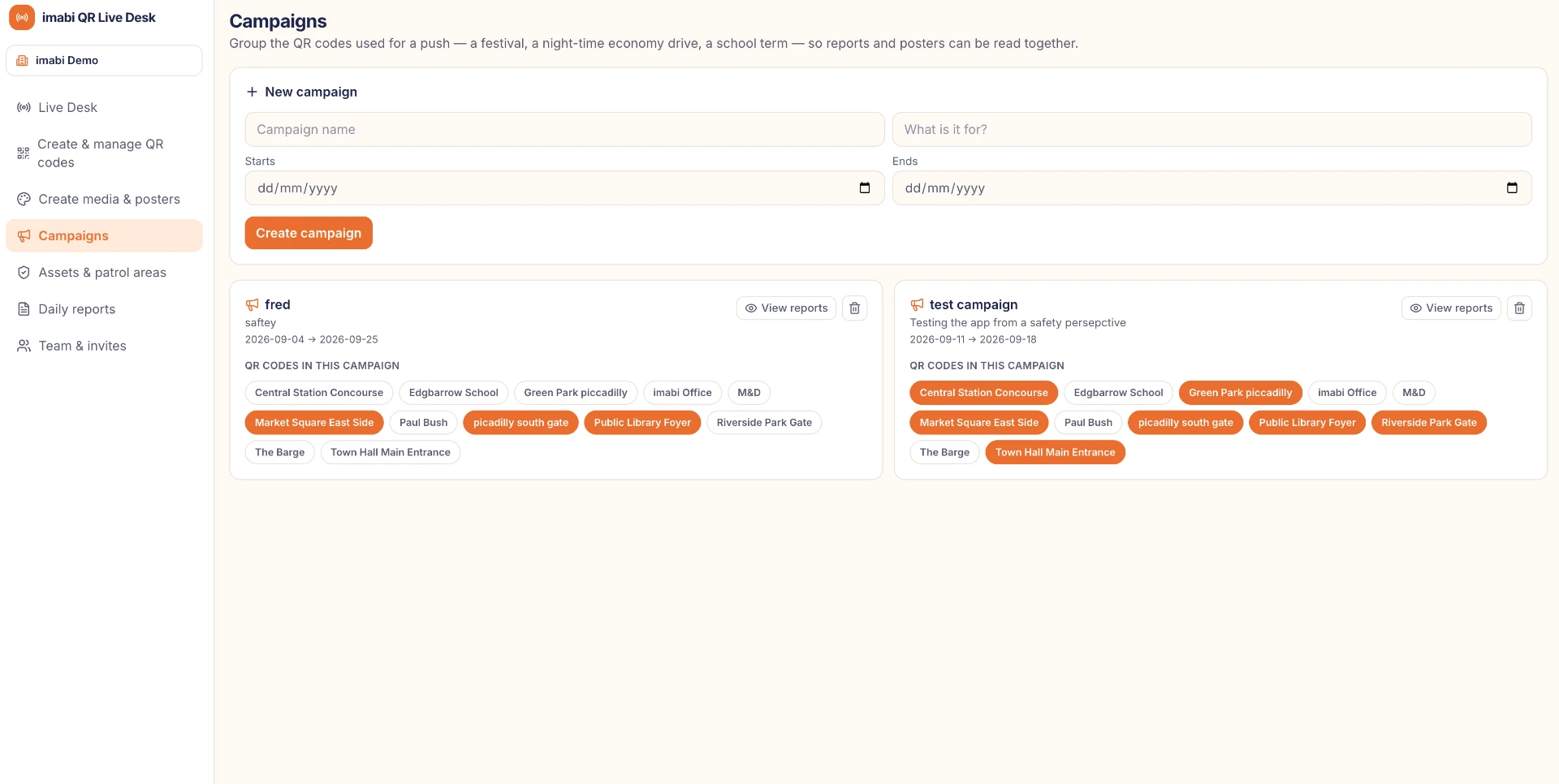
Choose what information you need to collect and tailor the reporting experience to your organisation, audience and locations.
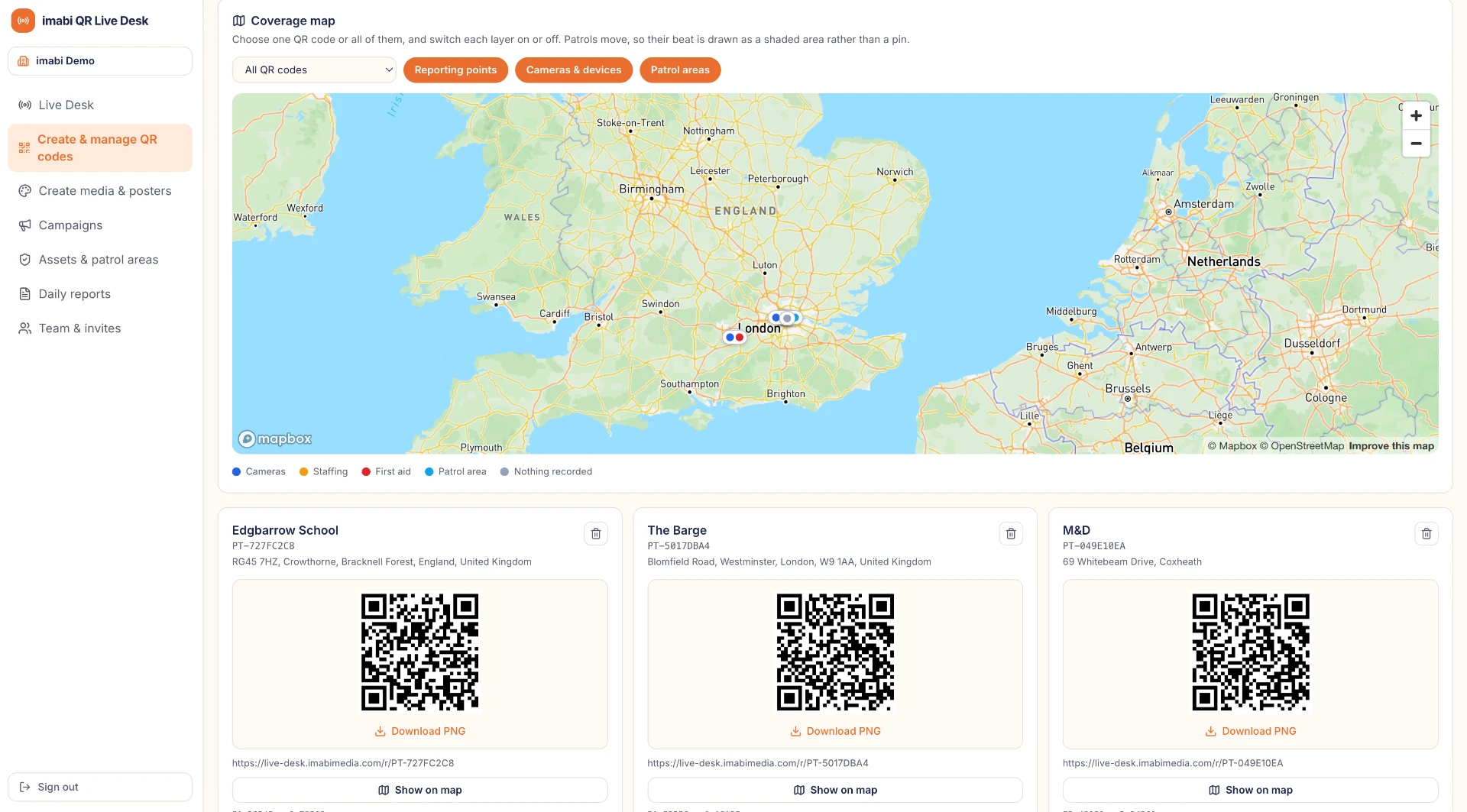
Create unique QR codes for individual sites, areas, assets or campaign touchpoints.
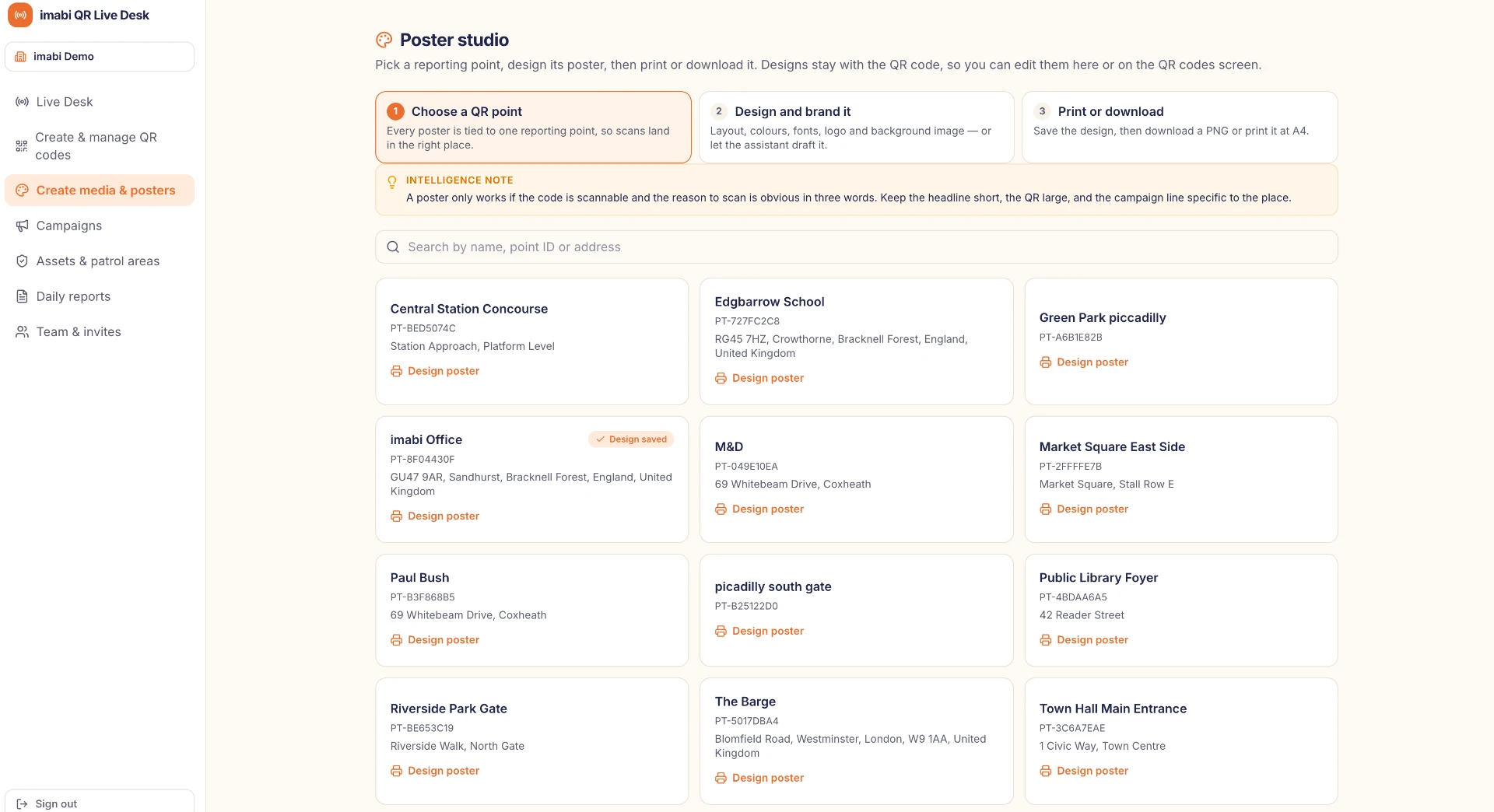
Use AI assistance to create clear posters, signs and digital promotional materials.
Decide which customer service, operational or specialist team should receive each type of feedback, request or report.
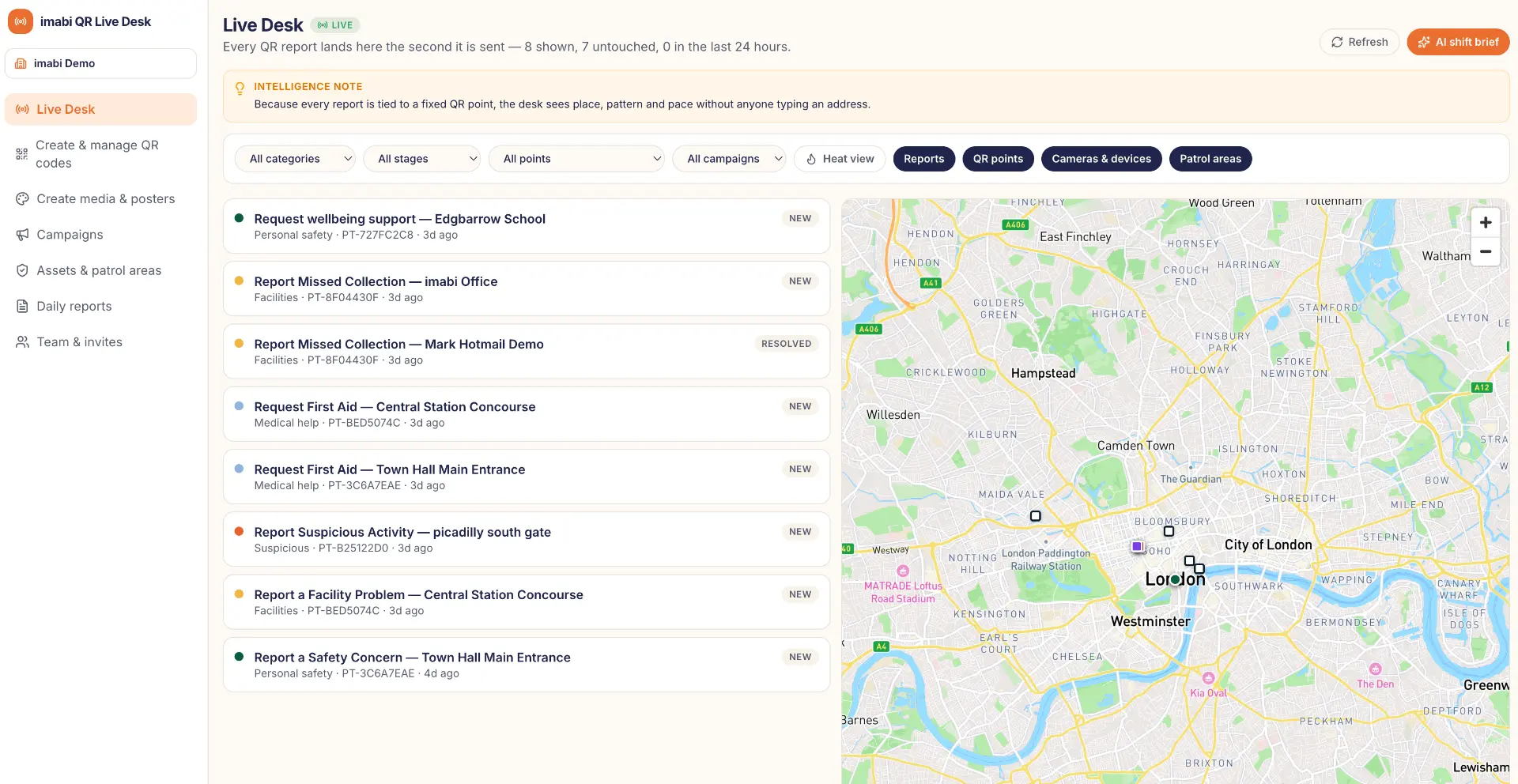
Receive, review, assign and resolve feedback, assistance requests and reports through the imabi Live Desk.
Use maps, heatmaps and analytics to identify recurring issues, busy locations and emerging patterns.
How it works
One clear journey connects campaign creation with the team ready to act.
Build a tailored reporting campaign and choose what information you need to collect.
Generate location-specific QR codes and use AI to help create posters and campaign materials.
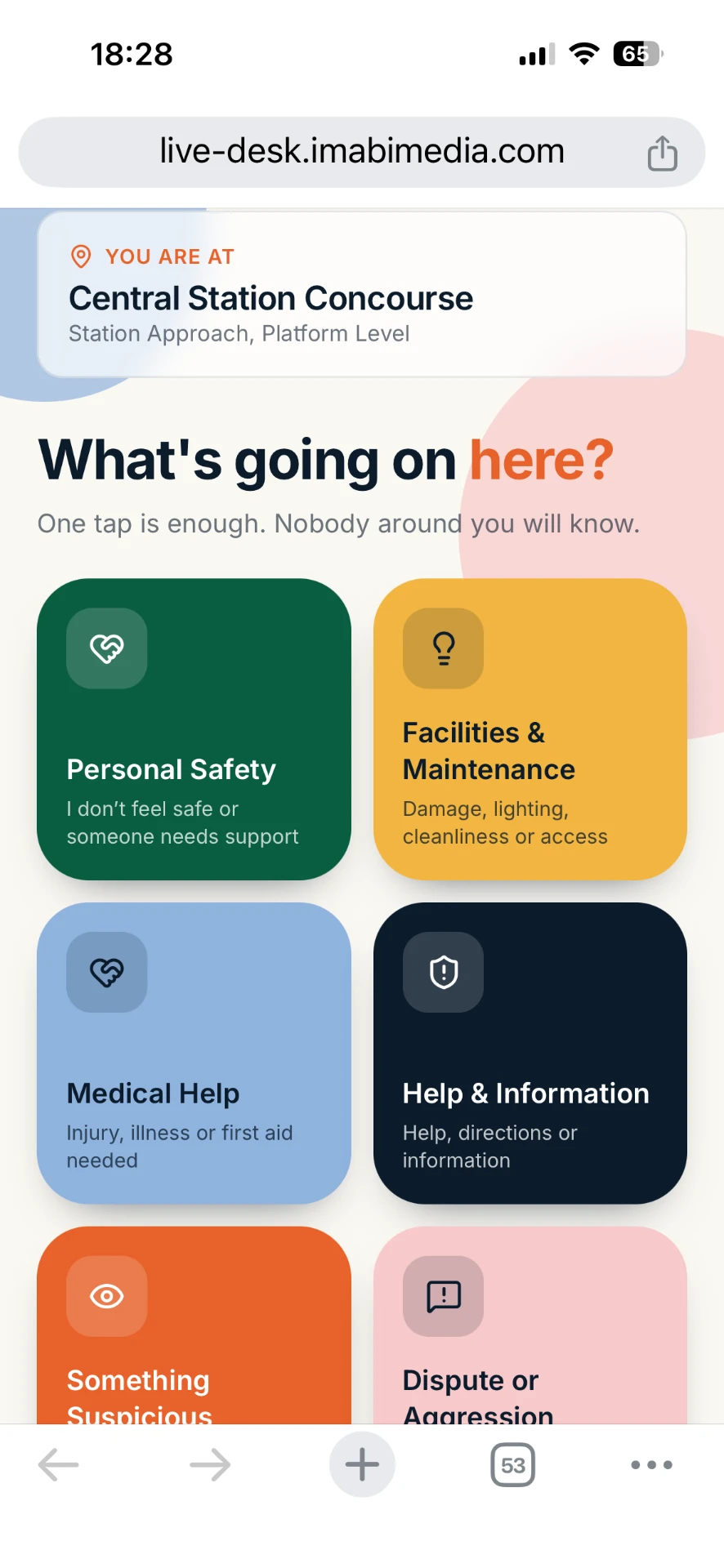
Anyone can scan, complete a short form and press send—without an app or account.
The nominated team receives feedback, requests or reports instantly, with location and relevant context included.
Track compliments, actions and resolutions, identify patterns and use the intelligence to improve future decisions.
Create Promote Report Respond Learn
Scan and report
People scan the QR code, complete a short form and press send.
Reports can be anonymous, or the person can provide an email address if they would like a response or update.
Each QR code is connected to a known location, so the recipient immediately knows where the report came from—without the person needing to enter an address.
Live Desk
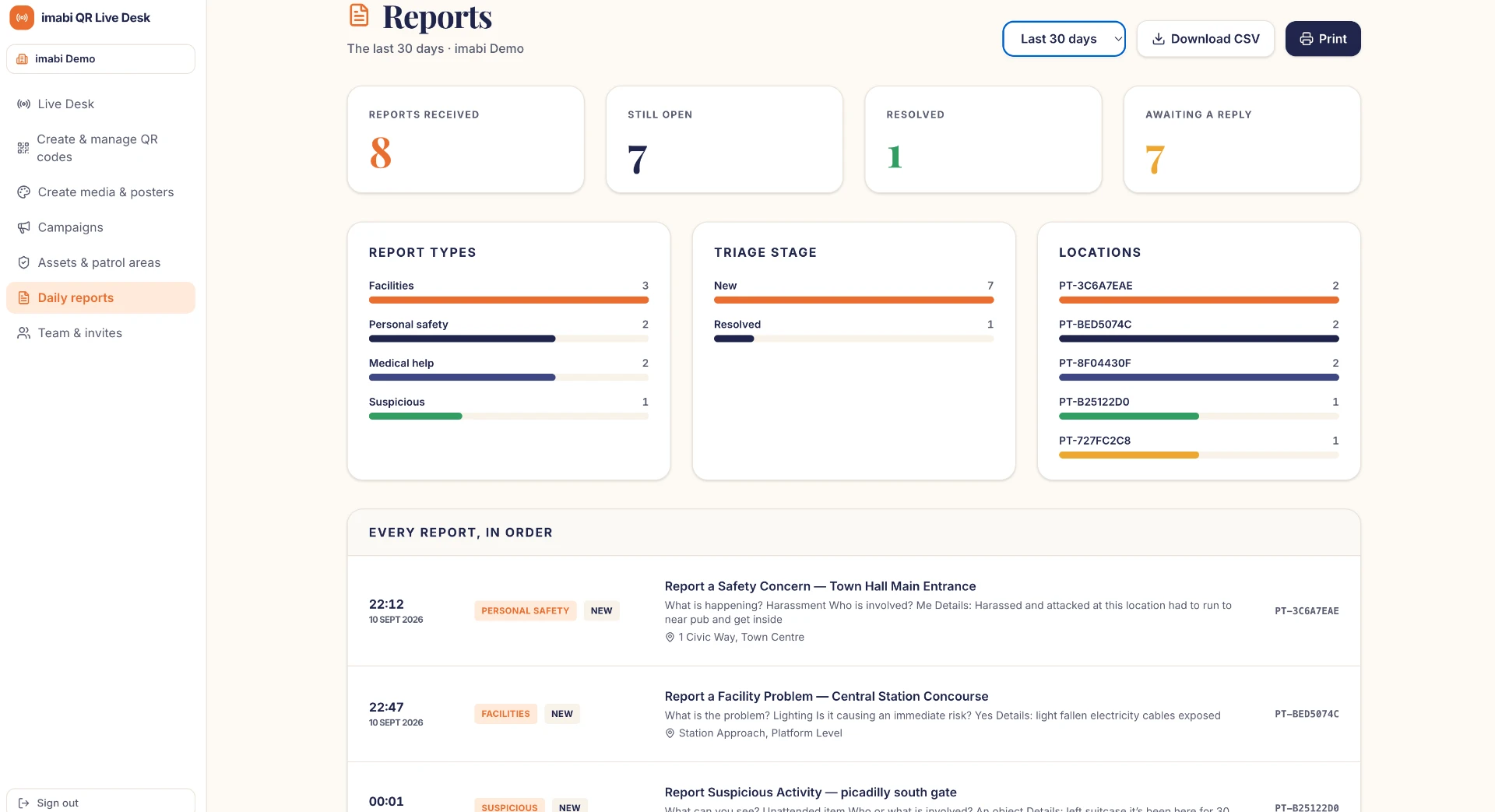
Every response appears instantly in the imabi Live Desk, giving authorised teams one operational view of what people need, value and want improved.
Human-led decisions
AI helps recipients understand the message, recognise its type and priority, and decide what to do next.
AI supports professional judgement. Your organisation remains in control of every decision and action.
Promote with AI
Create posters, signs and digital content that explain what to report and make each location-specific QR code easy to use.
Live insight
Live maps, heatmaps and charts reveal positive experiences, service needs, operational trends and urgent issues.
What is happening?
Where is it happening?
How quickly are reports arriving?
Which locations are busiest?
Which issues are recurring?
Where are positive feedback and recurring requests clustering?
What action has already been taken?
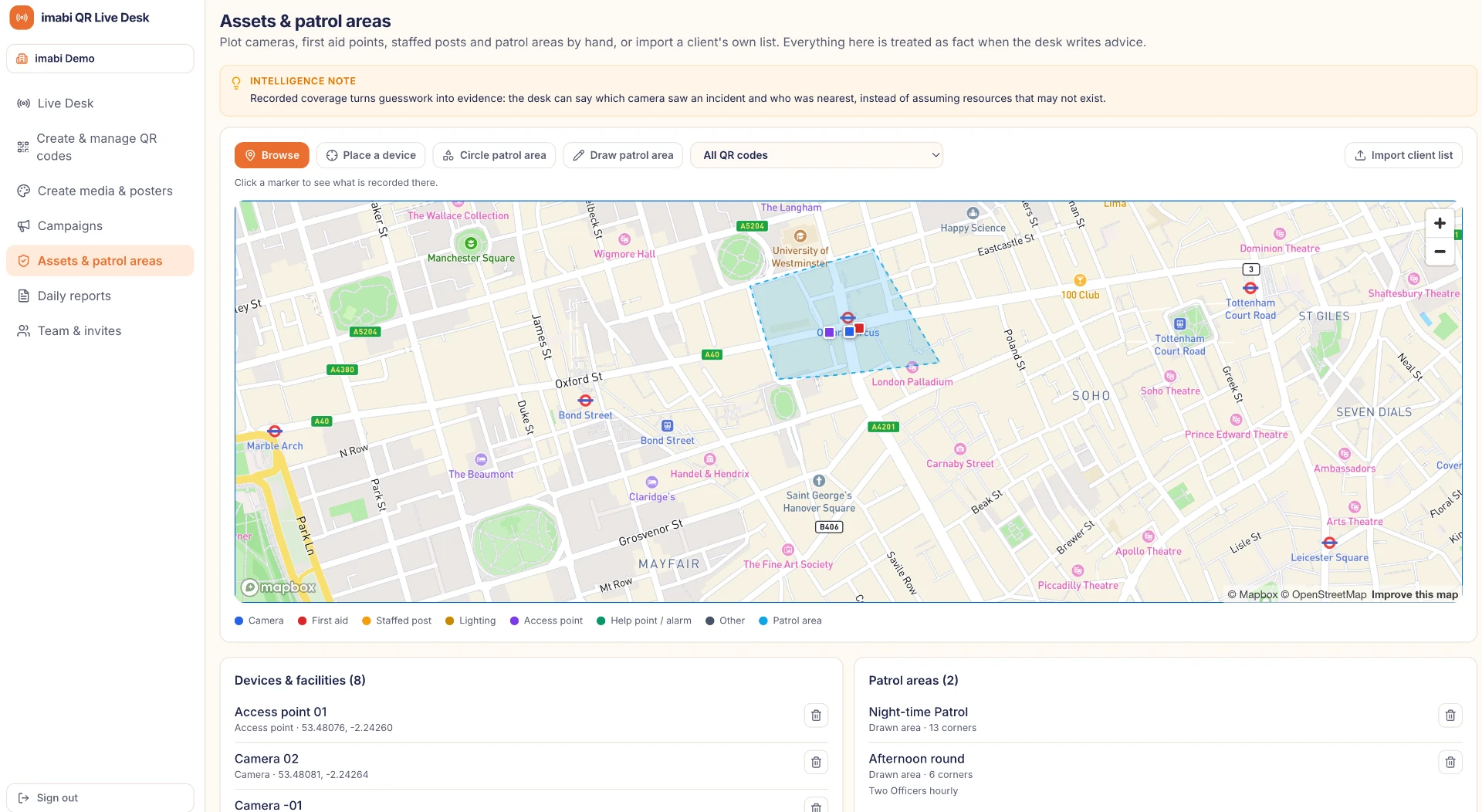
Relevant context included
Teams can consider verified information about each location alongside the report, helping them prioritise ownership, timescales and the next suitable action.
Flexible by design
Public spaces
Transport
Workplaces
Retail
Hospitality
Venues and events
Education
Housing
Community services
Create · Promote · Report · Respond · Learn
Give people an immediate way to share praise, request help, suggest improvements or report an issue. Give your teams the intelligence to respond effectively.
imabi is more than a QR reporting form. It is a complete self-service platform for creating, promoting, receiving and managing live reporting campaigns.
No app. No login. No complicated reporting process.